
3
(GB) ENGLISH
SAFETY CONDITIONS IMPORTANT SAFETY INSTRUCTIONS READ CAREFULLY AND KEEP FOR
FUTURE REFERENCE
Warranty conditions differ if the device is used for commercial purposes.
1. Before using the product, please read carefully and always follow the instructions below. The manufacturer
is not responsible for any damage caused by improper use.
2. The product may only be used indoors. Do not use the product for purposes inconsistent with its intended
use.
3. Supply voltage: 3 AAA 1.5V batteries or 5V / 1A USB adapter
4. Be careful when using it by children. Do not let children play with the product. Do not let children or people
unfamiliar with the device use it unsupervised.
5.WARNING: This device may be used by children over 8 years of age and people with reduced physical,
sensory or mental abilities or persons with no experience or knowledge of the device, only under the
supervision of a person responsible for their safety, or if they have been instructed on safe use device and
are aware of the risks associated with its operation. Children should not play with the device. Cleaning and
maintenance of the device should not be performed by children, unless they are 8 years of age or older and
these activities are performed under supervision.
6. Never put the power cord, plug or the entire device into water. Never expose the product to weather
conditions such as direct sunlight or rain, etc. Never use the product in wet conditions.
7.Never place the product on or near hot or warm surfaces or kitchen appliances such as an electric oven or
gas burner.
8.Never use the product near flammable materials.
9. The device may only be cleaned with a dry cloth. Do not use water or cleaning fluids.
10. Store the device in a dry room.
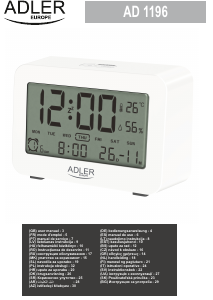
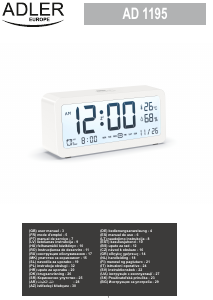
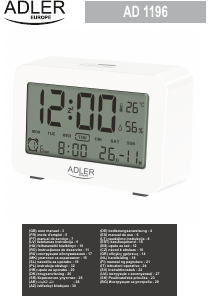
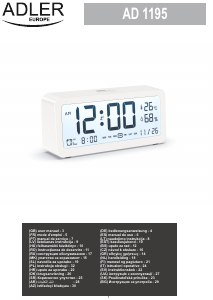
Device description:
1. Display 2. Mode button 3. Alarm button
4. Snooze / Light button 5. Up button
6. Down button 7. Power input
8. Battery compartment (3x AAA) 9. Power cord
Preparing the device for work:
1. Remove all packaging materials and cartons.
2. Insert the batteries into the battery compartment on the back of the device, taking care to observe the
polarity of the batteries. + to + and - to -. As shown in the picture in the battery compartment.
Display (1):
The display shows Time, Date, Temperature, and changes in settings. The display disappears after 15
seconds when only on battery power. To turn it on and press the Snooze / Light button (4). When powered by
USB cable the display will work continuously.
Setting the Time:
1. Press and hold the Mode button (2).
2. Use the " Up , Down" buttons (5,6) to choose between 24 or 12 hours to be displayed. Confirm by pressing
the " Mode " button once
3. Then set the hour. Use the " Up , Down" buttons (5,6) to select the hour. Confirm by pressing the " Mode "
button once.
Date setting:
1. Press the Mode button (2) one at a time.
2. When you go to the date (Factory date is 101st day of January.) Press and hold the " Mode " button (2).
3. Select the Year with the “ Up , Down” buttons (5,6). Confirm by pressing the " Mode " button once.
4. Select the Day with the “ Up , Down” buttons (5,6). Confirm by pressing the " Mode " button once.
5. Select the Month with the “ Up , Down” buttons (5,6). Confirm by pressing the " Mode " button once.
Setting an Alarm:
1. Press and hold the Alarm button (3).
2. Select the Hour with the “ Up , Down” buttons (5,6). Confirm by pressing the "Alarm" button once.
3. Select Minutes with the “ Up , Down” buttons (5,6). Confirm by pressing the "Alarm" button once.




Dołącz do dyskusji na temat tego produktu
Tutaj możesz podzielić się swoją opinią na temat Adler AD 1189B Budzik. Jeśli masz pytanie, najpierw dokładnie przeczytaj instrukcję. Zapytanie o instrukcję można złożyć za pomocą naszego formularza kontaktowego.
odpowiedz | To było pomocne (0) (Przetłumaczone przez Google)